Build your programs on the web, your clients train on mobile
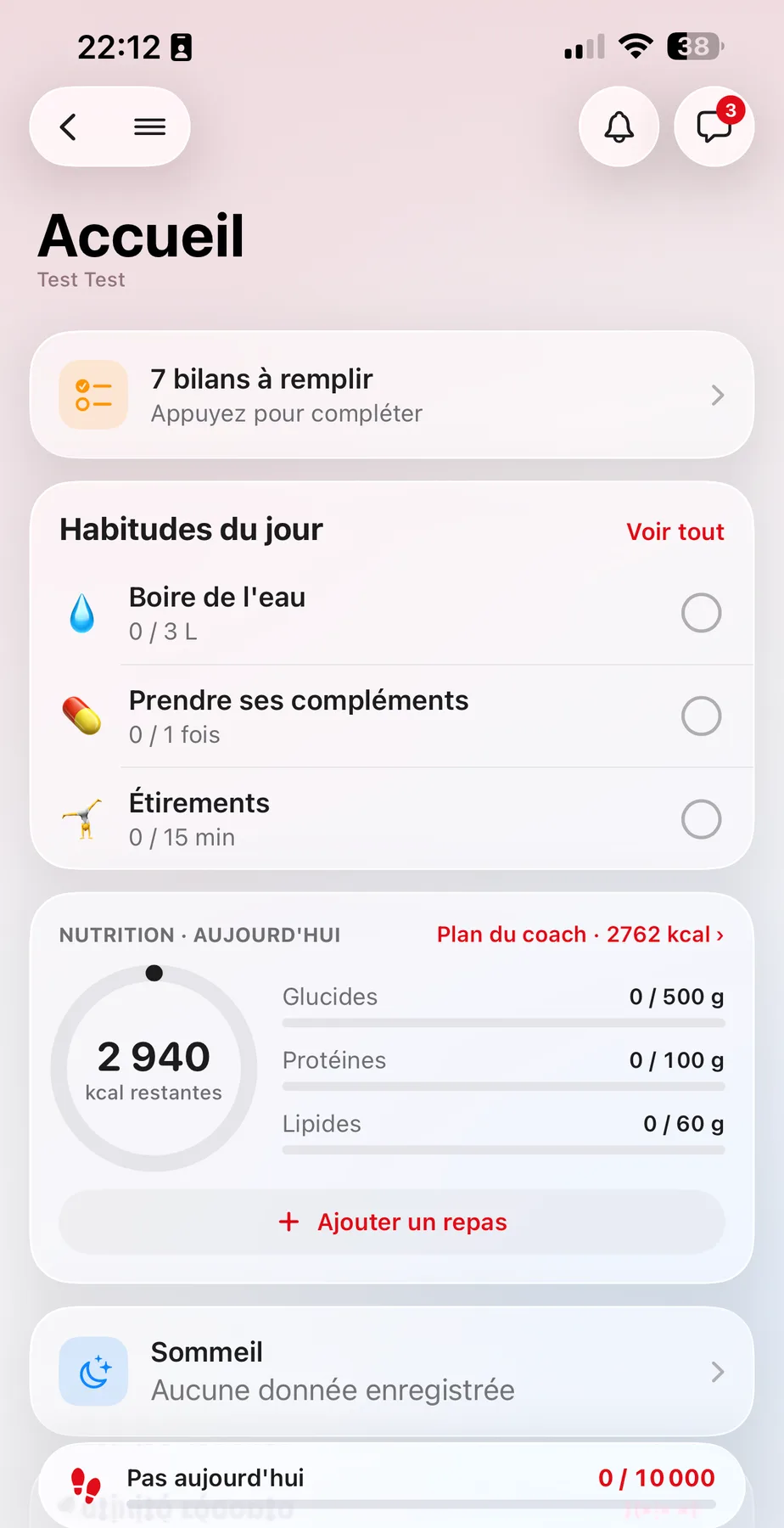
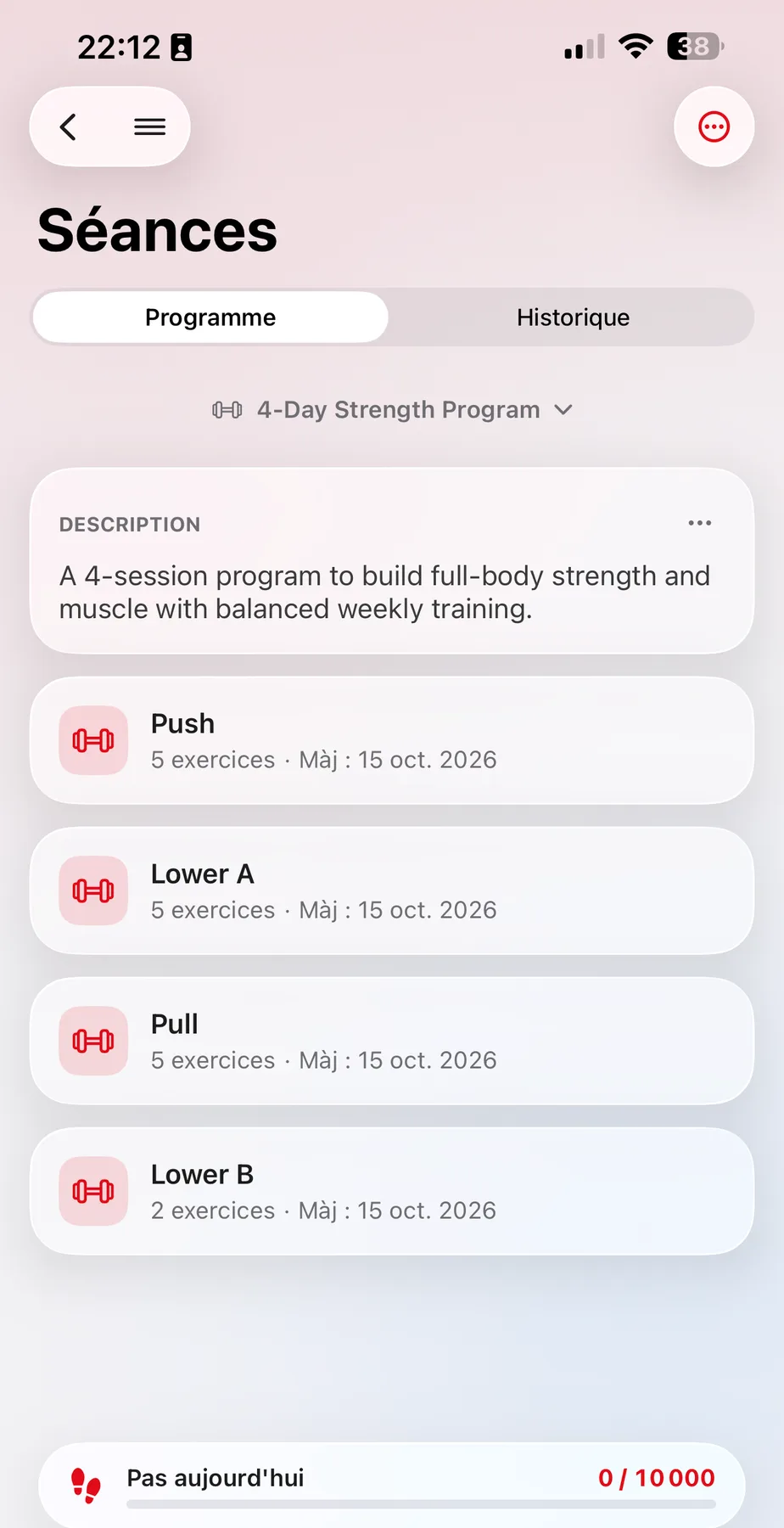
Build workouts, group them into programs and assign them in one click. Your clients follow them in their app, and you get their performance back set by set.
No credit card. Cancel anytime.
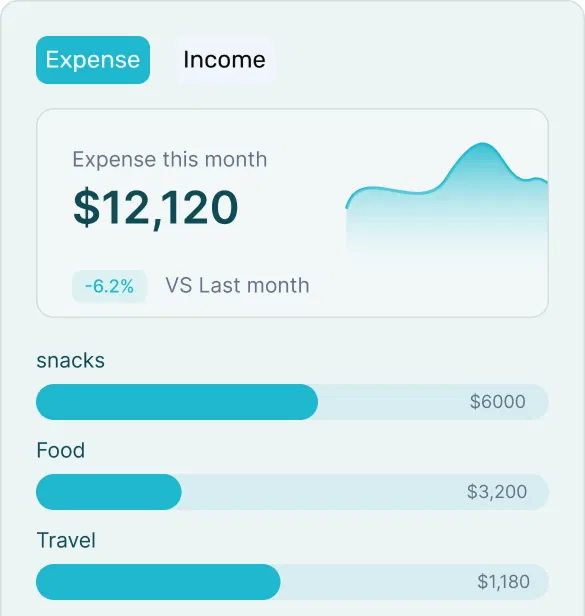
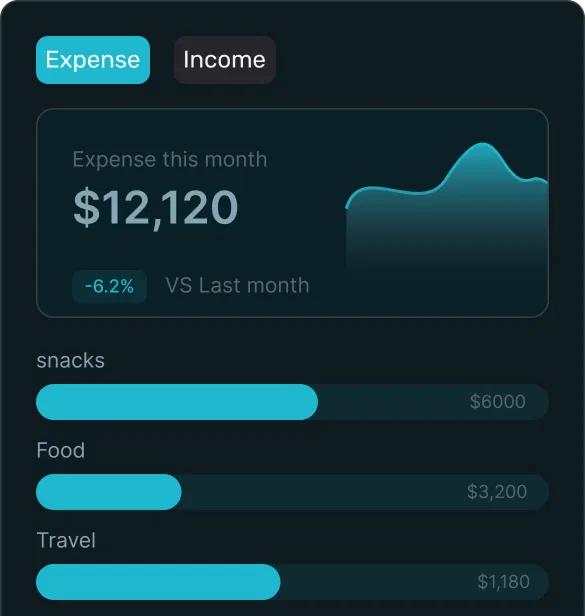
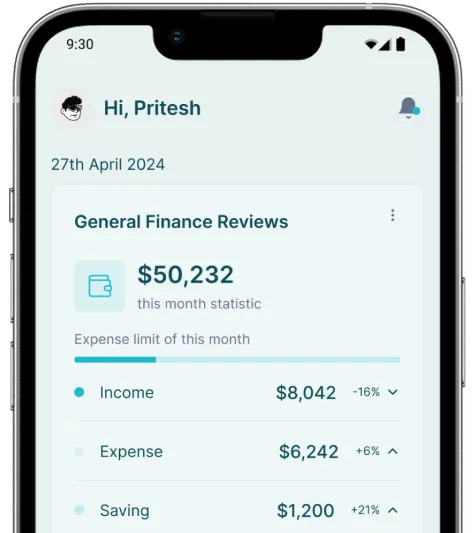
Three steps, from your desk to your clients' phones
- 1
Build
Compose workouts from the exercise library and your own exercises, then group them into a program.
- 2
Assign
Pick one client or several, a planning mode and a start date. The program lands in their app.
- 3
Track
Performance comes back live into your workspace: you adjust, comment, validate.
Precise workouts, built in minutes
Every exercise has its sets, reps, loads, tempo, rest and intensity (RIR or RPE). Chain them into supersets or circuits.
- Exercise library with demo videos
- Your private exercises, with your own videos
- Supersets, circuits, rep-based or time-based sets
Write once, reuse everywhere
Save workouts and programs as templates, tag them, duplicate them. A template goes to one client or a whole group, then gets personalized for each.
- Workout templates and program templates
- Tags to find your templates instantly
- Assign to one or many clients, then adjust individually
Fixed program or calendar: your call
Some clients want a list of workouts to go through at their own pace. Others need exact dates. Both modes exist, for the same program.
Fixed program
A sequence of workouts the client goes through whenever they train, in the order you planned.
Calendar mode
Workouts placed on specific days, with reusable blocks. The client sees today's workout, you see what got done.
A first draft in seconds, your version at the end
SSC ProDescribe the client and the goal: the assistant proposes a workout or a full program from the exercise library. You review, adjust, then assign. You stay in control.
- 1Describe the goal, level and available equipment
- 2Review and adjust every exercise
- 3Save as a template or assign directly
What your clients see in the app
Today's workout, exercise by exercise, with the demo video and your instructions. Two ways to train, depending on the client.
Guided workout mode
The app walks through the workout set by set: planned loads, video, rest timer, live logging.
Quick performance entry
For those who train with a notebook: they report their performance in seconds after the workout.
Performance comes back, you adjust
Every logged set lands in your workspace: history per exercise, last performance, client notes. You comment, validate, and change what comes next.
- Performance history per exercise and per workout
- Coach comments visible to the client in the app
- Program changes synced immediately
Common questions about programs
What coaches ask us most often about training.
Another question?
Write to us on WhatsApp or by email: a real person answers, and we can give you a demo.
Discover the other features
Ready to simplify your coaching?
Create your account in a minute, add your first client and assign them a program today.
7 days free, no credit card.
Your clients find you in the mobile app:
 Available onApp Store
 Available onGoogle Play